The pre-planning solution for FTTH
AND WebSolution
Fast, online, inexpensive
Preliminary planning is an essential part of the concept and business case for any fiber optic project. AND WebSolution makes it easy to get started without a lot of manpower or budget. And provides optimal results. And the best part: You don’t need any previous experience in this field.

 (opens YouTube in a new tab)
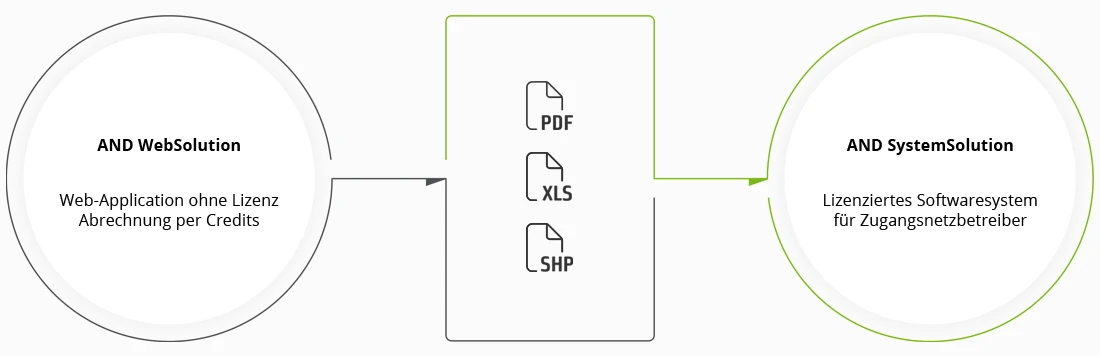
Enjoy the flexibility of a web application: No download, no installation, no license
- Easily create a complete decision basis for your FTTH project, including accurate cost estimates – in no time.
- Benefit from the extensive expertise of the AND Solution team, ensuring optimal and cost-effective results based on decades of experience.
- Transparent pricing policy and “pay per use”.
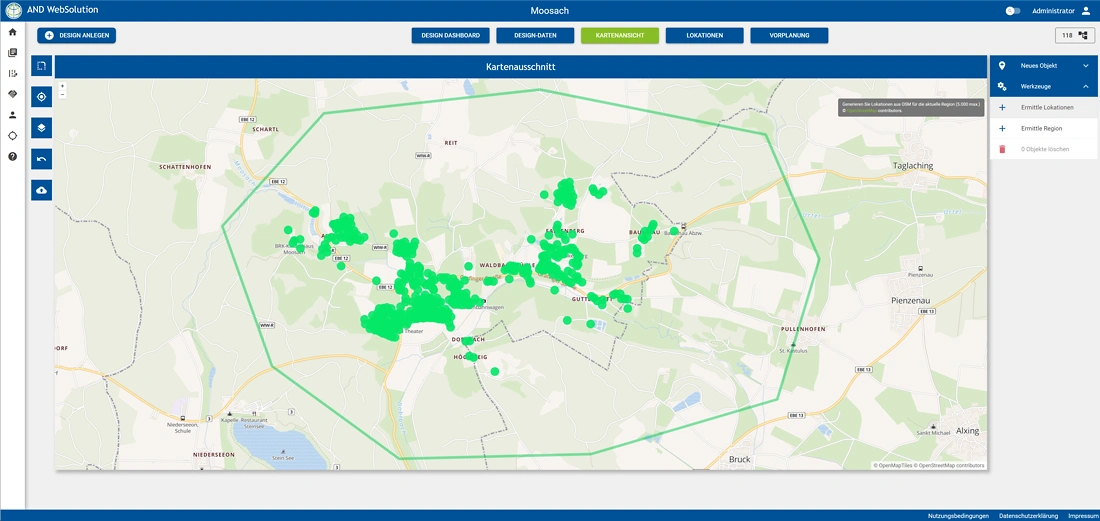
- Retrieve maps, buildings, addresses, and streets smoothly from OpenStreetMaps™. You can also import and georeference buildings manually.
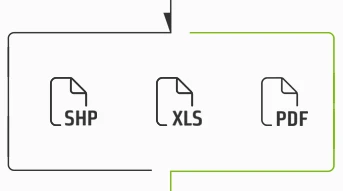
- Shape- / Excel™- /PDF-export of the planning and the results.
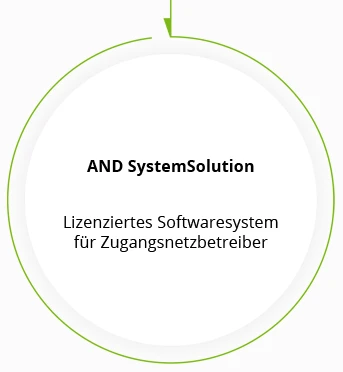
- Export your data to AND SystemSolution with a single click for detailed planning at any time.
The foundation for future detailed planning (in the leading software solution for planning, documentation, and operational support of all types of multimedia networks) is immediately available!

100 credits free
Would you like to get started right away?
Write to us and we will send you a code for 100 credits worth 180 euros, which you can use to plan 100 buildings free of charge. Get started productively right away.
A brief overview of the individual steps
1
Address import
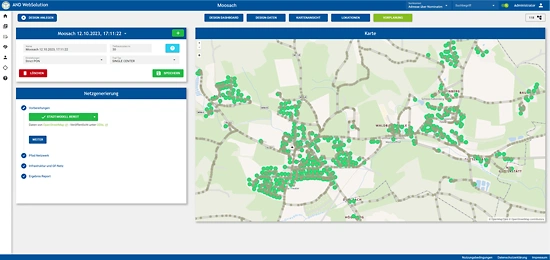
Import the addresses and other sites relevant to your fiber optic project and add them manually. Alternatively, you can automatically determine all known addresses in the target region using OpenStreetMap™ data.
2
Component library
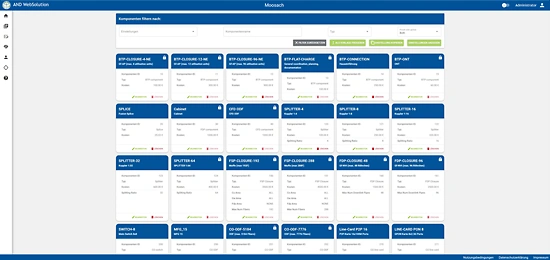
AND WebSolution contains an extensive component library with all the components needed for fiber optic pre-planning: from cables and pipes to street cabinets and ONTs. You can freely configure your costs for existing components or add missing components.
3
Automatic route definition
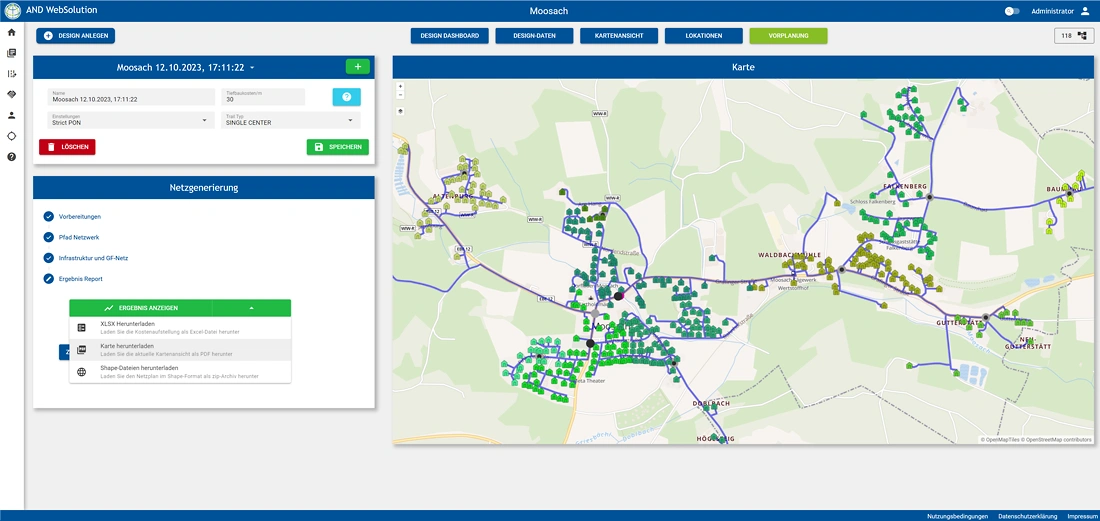
OpenStreetMap™ data is used to automatically define possible route alignments – in minutes. If the result does not meet your expectations, you can intervene manually at any time.
4
Cost comparison and export
Try out different demand and component settings to compare the costs of different scenarios. The plans can be downloaded as PDF or Shape files, and price and parts lists as Excel™ files.